
Functions accessible from: 'Main menu > File > Preferences > Navigation > Tracklog'
|
| |
|
|
|
Configure the type of track that Land will generate from your navigation:
•Recording interval:
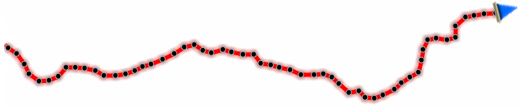
•By time: Set the time to create every new track point.
•By distance: Set the distance to create every new track point.
•Automatic: Track points will be automatically recorded when changing course and depending on the speed.
•Recovery time: When Land is suddenly switch off, if you turn the device on during the established interval, the previous data is recovered and displayed again.
•File format: Set the track format of the resulting file.
|
|
|
|
|
|
|
•Weak signal filter: If GPS signal is not reliable, points are ignored while recording track. This prevents the recording of non reliable data.
•Track color: Set the color for the generated track.
|
|
|
•Track thickness: Set the thickness for the generated track.
|
|
|
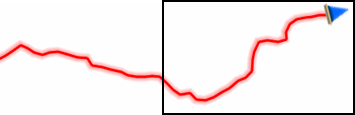
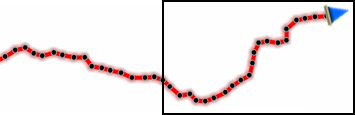
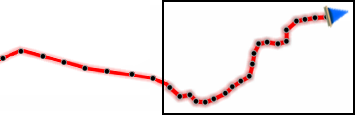
•Points shown without reduction: Recorded track is visible at map window, but only the latest track points are shown as they are recorded (with no reduction of points). Set how long this section is.
|
|
|
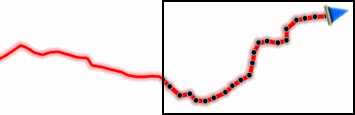
•Reduction for previous points: It is highly recommended to make a reduction of the rest of the displayed track as well. Set a reduction to display the previous points of the recorded track (all except the latest points).
|
|
|
IMPORTANT: These reductions does not affect the resulting track file (it will keep all points). These functions only concern the track being displayed on screen in order to save memory.