Advanced operations that can be perfomed on routes:
•Modifiy for all waypoints: If any of these properties is modified, it will be applied for all waypoints at the same time.
|
| |
|
|
|
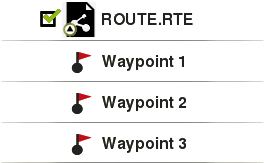
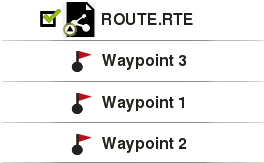
•Change the order of the waypoints in a route: In order to change the order of the waypoints of a route, open the contextual menu on the waypoint that you want to move and select ‘Move up’ or ‘Move down’.
|
| |
|
|
|
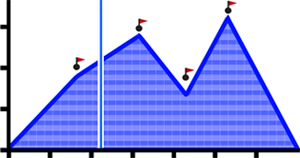
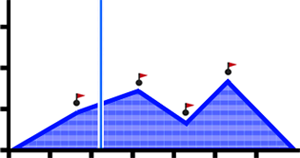
•Graph representation of routes: Display a graph representation of your route, just enter the properties of the element and press the button ‘Graph representation’. These are the available functions on graphs:
|
| |
|
|
|
•Guiding Y axis: Bar serving as moving axis.
•Moving graph: Use ‘Zoom’ buttons to sections of the graph with more detailed precision (graph scrolling can also be applied by dragging the graph up and down as well as laterally).
•Automatic re-center: Press ‘Re-center’ button to automatically re-center the graph.
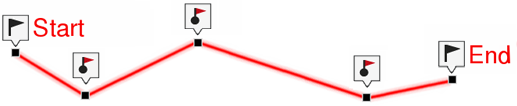
•Invert a route: In order to display a route in the opposite sense to the default one (the begining at the end and vicecersa), open the contextual menu of the route and select ‘Tools > Invert the route’.
|
|
|
|
|
|
|
|
•Convert a route into a track: In order to change a route into a track, open the contextual menu of the route and press ‘Tools > Change into a track’.
|
| |
|
|
|
|
|
|
|
|
|