|
|
|
|
|
|
|
|
|
|
During your navigation, TwoNav may alert you when getting close or reaching certain points.
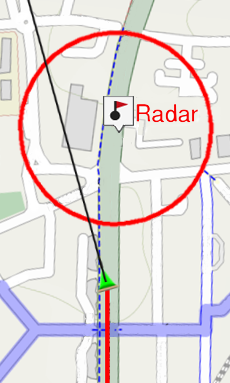
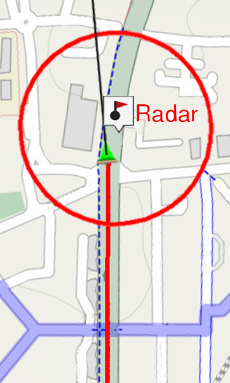
TwoNav will consider files at ‘TwoNavData/Radars’ folder as speedcams. So when you are getting close to any traffic speedcam you can set an alarm to warn you (an updated file with current speedcams is required).
•Speedcam camera alarm: Enable/Disable this function.
•Speed camera alarm distance: Set the minimum distance to warn you.
•Show speedcams on the map: Show/Hide speedcams on map window.
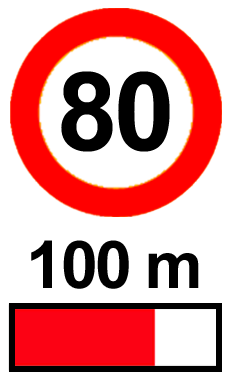
•Speed to alarm about radars: Set speed limitation to warn you about near radars.
•Update speedcams: The latest speedcams will be automatically updated in your device.
|
|