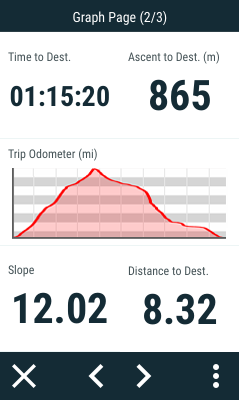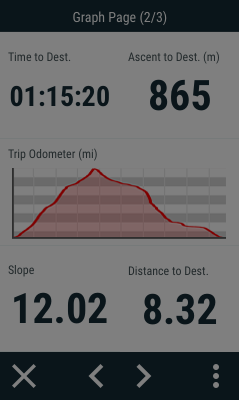
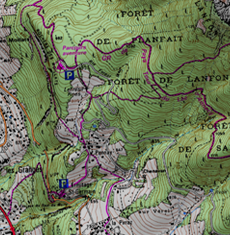
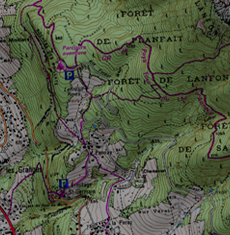
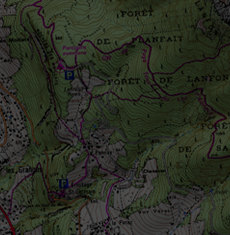
Regulate the amount of light of the screen and adjust it for each situation:
•Autobrightness: The screen will adapt its brightness to the lighting conditions of that moment.
|
|
|
|
|
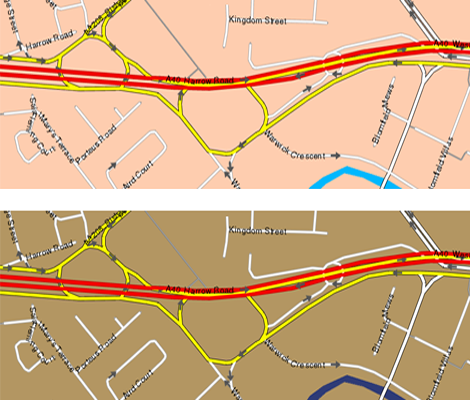
•Night view: In low light conditions, the colors and brightness may dazzle. This function reduces the brightness of the application and displays an interface with darker tones.
|
|
|
|
•At night and tunnels: The device will automatically change to night mode at night and inside tunnels.
•At night: Only at night (not for tunnels).
•Not automatic: You will be able to set manually when you wish to have the night mode on.
•Shutdown screen: Time interval to automatically switch the screen off.